











Accessing your account is the first step to placing bets, playing casino games, and managing your funds. New and returning users in Tanzania can sign in through a browser or the mobile application.
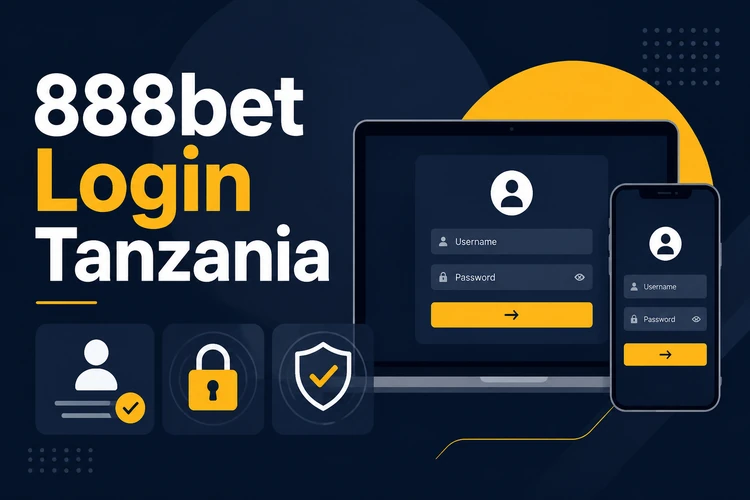
Your account provides access to sports markets, live events, casino games, deposits and withdrawals, account settings, and betting history. Use a private device where possible, keep your password confidential, and sign out when using a shared computer or phone.
How to Log In to Your Account
The login form is normally available from the header. Open it and enter the phone number or email address associated with your account, followed by your password. The available identifier depends on the details accepted during registration.
Many users in Tanzania register with a mobile number. Enter it in the same format used when creating the account, including the country code if the form requests it. Check the number carefully before submitting because a missing digit or incorrect prefix will prevent access.
If you enable the option to remember your login, the device may keep your session active for faster access later. Use this only on a personal device protected by a screen lock. On a public or borrowed device, leave the option disabled and sign out when finished.
Creating a New Account
New users must complete registration before they can log in. You must be 18+ and meet the eligibility rules shown during sign-up. Use accurate information because inconsistencies may delay later account checks or withdrawals.
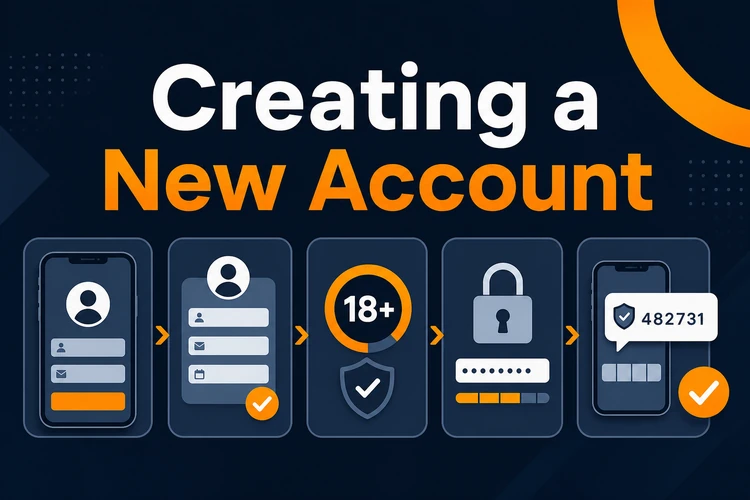
Start from the registration control on the main page. Enter a Tanzanian mobile number that you can access, then create a password that follows the requirements displayed beside the field. A longer, unique password is safer than one reused on email or social media accounts.
Complete the requested personal details, which may include your full name and date of birth. Review each field before accepting the terms and submitting the form. If phone confirmation is required, the platform will send a one-time code by SMS. Enter that code on the verification screen to finish activating the account.
Never share a verification code with another person. If an unexpected code arrives when you are not registering or recovering access, do not enter it anywhere and review your account security.
Logging In Through the Mobile App
The Android application provides the same basic account access in a layout designed for smaller screens. After installing the mobile app, open it and select the login option on the welcome screen.
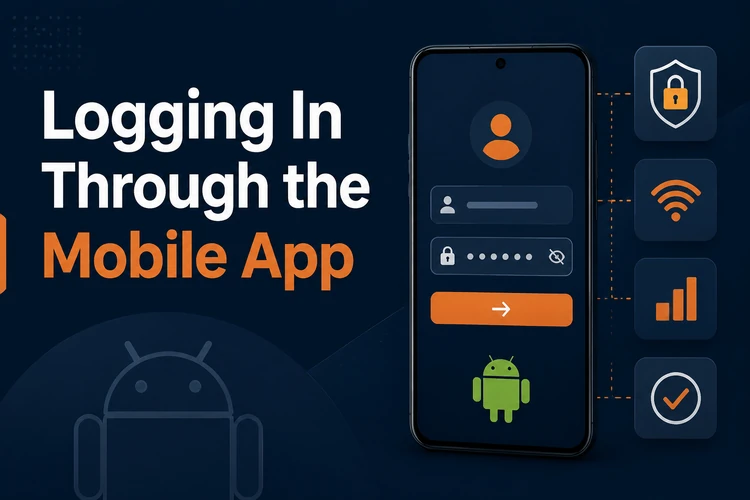
Enter the same phone number and password used on the website. A separate mobile account is not required. If the app offers saved credentials or biometric access on your device, activate the feature only after checking that the phone has a secure PIN, password, or screen lock.
You can also use the mobile website without installing software. If login fails in the app but works in a browser, check for an app update, close and reopen it, or restart the phone before trying again.
Resetting Your Password
If you cannot remember your password, select the link labeled "Forgot Password?" on the login form. Enter the phone number or email address connected to the account and follow the displayed recovery steps.
A recovery code may be sent by SMS or email, depending on the contact method registered on the account. Enter the code only on the official recovery screen, then create a new password that meets the displayed requirements. Avoid names, birth dates, repeated digits, and passwords used on other services.
If the code does not arrive, confirm that the contact information is correct, check your mobile signal, and look in the email spam folder where relevant. Wait briefly before requesting another code because repeated requests can make it unclear which code is current. Contact support if you no longer have access to the registered phone number or email.
Accessing Aviator After Login
Aviator uses your main account, so you do not need separate credentials. Sign in normally and open the Aviator game page from the casino area.
The game uses the balance and account settings already associated with your profile. Before placing a wager, check the stake shown on screen and confirm that the connection is stable. Game rounds move quickly, so set a spending limit in advance and avoid trying to recover losses by increasing stakes.
Common Login Problems and Solutions
An incorrect password is a frequent cause of failed access. Password fields are case-sensitive, so check capital letters, keyboard language, and any accidental spaces. After several unsuccessful attempts, stop guessing and use password recovery to reduce the risk of a temporary security restriction.
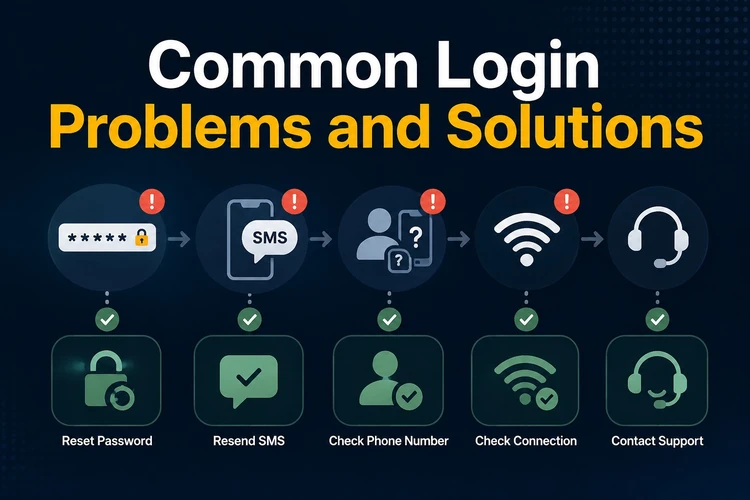
A phone number entered in a different format can also cause an error. Use the format associated with your registration and follow any country-code example shown in the field. If autofill inserts an old email address or password, clear the field and type the details manually.
If the account is locked or suspended, follow the message displayed on screen rather than creating another account. Security checks may be triggered by repeated failed attempts or unusual activity. For help with a restriction you cannot resolve, use the contact page and provide only the account details requested by support.
For pages that do not load or time out, check your mobile data or Wi-Fi connection, switch networks if possible, and restart the browser or app. Clearing cached data may help when an outdated session is causing the error, but it will usually sign you out and remove saved site preferences.
If an SMS verification code is delayed, confirm that the phone has network coverage and that its inbox is not full. Request a replacement only after waiting for the first message. Never give a login, recovery, or verification code to anyone claiming that it is needed to assist you.
FAQ
Open the login form and enter the phone number or email address associated with your account, followed by your password. Check the details carefully before submitting. Use the recovery option if you cannot remember the password.
Yes. Registration can be completed through a compatible mobile browser or the Android app. Enter accurate personal details, use a phone number you can access, and complete any SMS verification requested on screen.
Select "Forgot Password?" on the login form, enter your registered contact information, and follow the recovery instructions. Create a unique new password and do not share the recovery code with anyone.
No. Aviator uses your main account credentials, balance, and settings. Log in normally, open the game from the casino area, and check your stake before joining a round.
A temporary restriction may follow repeated failed attempts or unusual activity. Follow the on-screen instructions and avoid repeatedly guessing your password. Contact support if the restriction remains or if the account has been suspended.
Phone verification may be required during registration through a one-time SMS code. The platform may also request further information or documents for account checks. Submit details only through the official account or support process.